Vibe coding from the back of an Uber
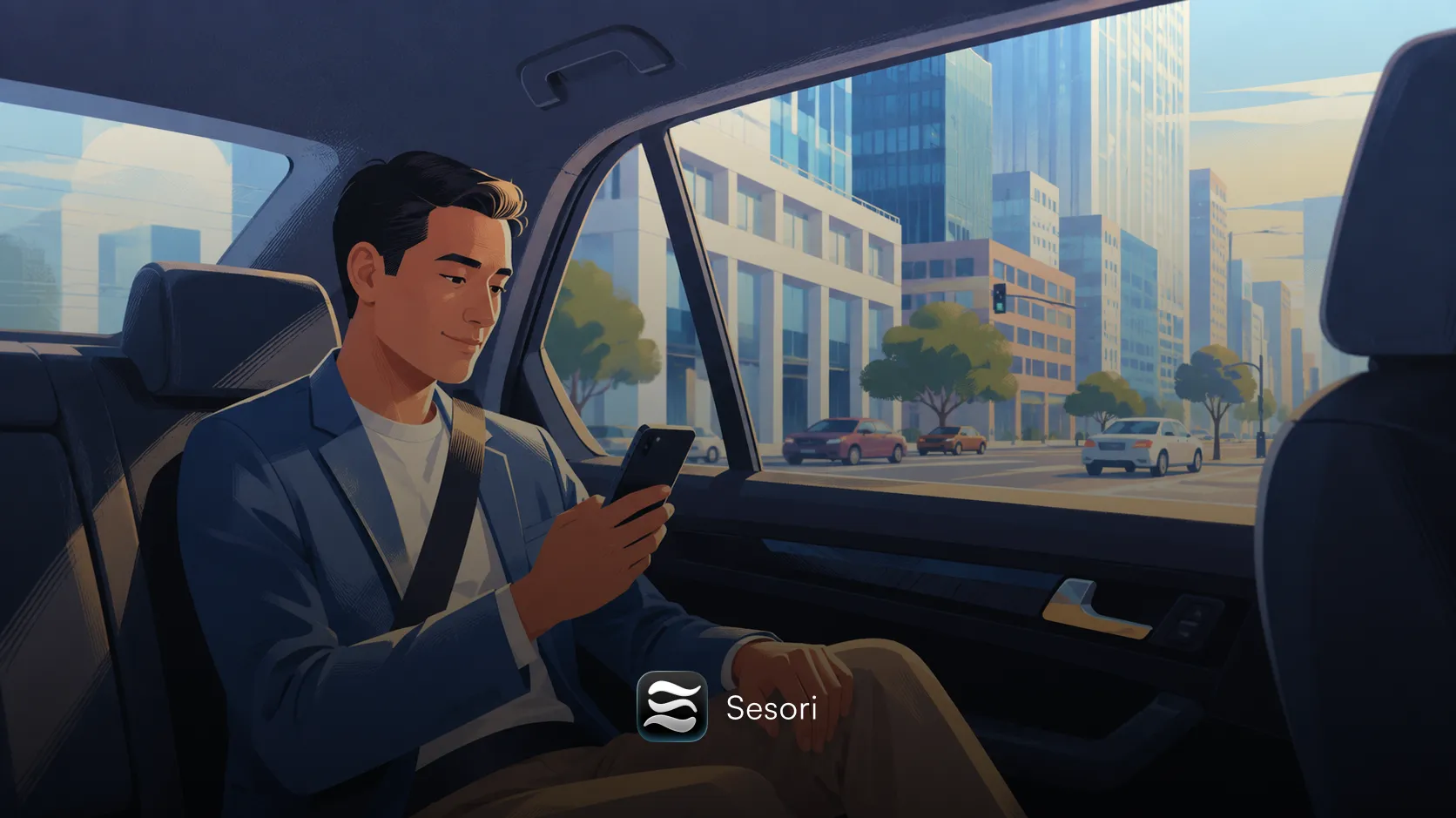
We built Sesori because the laptop is starting to feel like the wrong place to be. Not always — code still gets written there. But the thinking, the back-and-forth with an AI assistant, the “try this, no try that” — that has been migrating to the phone for a while now, and the tools have not kept up.
This is a small note about what that looks like in practice. Not a pitch. We were curious whether the experience we built actually held up in the wild, so we tried it from the back of an Uber on the way to SFO.
The setup
A normal Monday afternoon. We had an open OpenCode session running against a small TypeScript repo on a MacBook plugged in at the office. Before leaving, we ran:
sesori-bridgeThat was the whole setup. The bridge picks up the open session and announces itself to the relay. The phone, signed into the same account, sees the session appear. There is no QR code, no manual pairing, no “scan this.” It just shows up.
Things we wanted to do on the phone, in rough order:
- Read the diff the assistant had just produced
- Ask it to extract a helper function out of a longer file
- Approve the change and run the test suite
- Realize we’d named the helper poorly and rename it
- Watch the test pass
All of that is one continuous AI session — the same session that started on the desktop. There is no second copy of the code, no “mobile sandbox.” The bridge is the seam, and the seam is thin.
What broke (and what didn’t)
The Uber’s wifi did not exist. The cell signal was the usual SF mid-grade — fine in some blocks, gone for thirty seconds at a time in others. We expected the session to feel jittery. It didn’t, mostly because of one detail: when the phone goes offline, the bridge keeps the AI session running. The assistant kept thinking through our prompt the entire time we were under the 280 onramp. When the phone reconnected, the response had already streamed into the bridge’s local buffer, and the app filled in the rest as if nothing had happened.
The thing that did feel a little off was the rename. We dictated the new name out loud, the assistant heard it, but the diff that came back used the old name in one place — a comment we’d missed. Easy to fix from the phone, but a reminder that voice is not yet a perfect substitute for the careful read-through you’d do at a desk.
A small log line we found ourselves checking more than once during the trip:
[bridge] session 0xa1f3 keepalive ok · 2 messages bufferedThat little buffered count is what made the experience feel solid. The relay sees opaque binary; the session state lives on the laptop. The phone is a window into work that’s already happening — not a place where work is risky.
Where this goes next
We’re a long way from “phone-first development” in any serious sense. The keyboard wins for a lot of things, and a 6-inch screen will never be the right canvas for reviewing a 400-line refactor. But “phone as a remote control for an AI session that lives on your real machine” is a workflow that, after a couple of weeks of using it in earnest, we don’t want to live without.
If you’d like to try it, the bridge is open source and the app is live now. For a complete setup guide and architecture walkthrough, see using OpenCode from your phone.