Skip to content
OpenCode Codex Cursor Claude Code Pi OMP Hermes

Step away from your desk. Take your session with you.

Control your OpenCode, Codex, Cursor, Claude Code, Pi, OMP, and Hermes sessions from your phone while your code stays on your macOS, Windows, or Linux computer.

  1. 1. Download the Sesori app

  2. 2. Install the Bridge CLI

  3. 3. Run the Bridge on your machine

    Use the computer where your coding assistant runs. Keep the Bridge running and the computer awake and online.

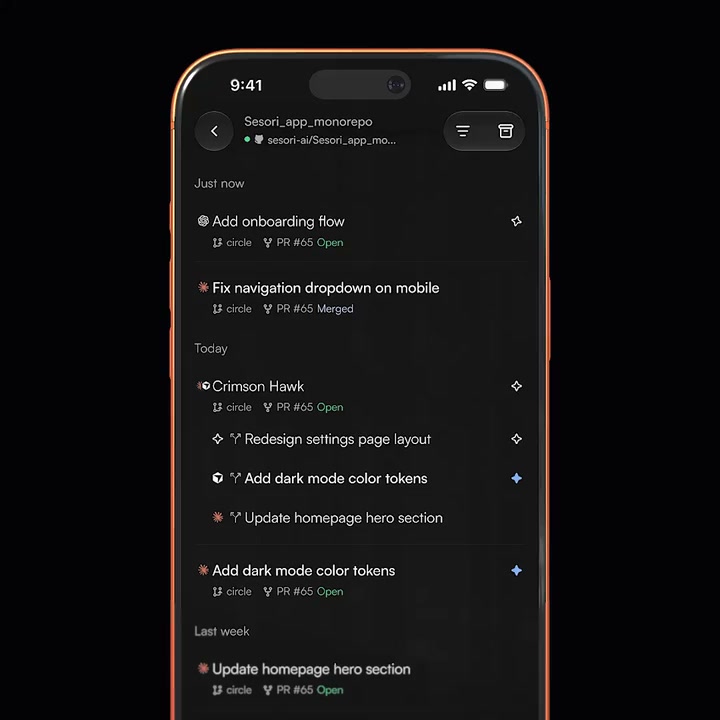
Your coding sessions, within reach.

Continue where you left off

Step away from your laptop.
Continue the same session on your phone.
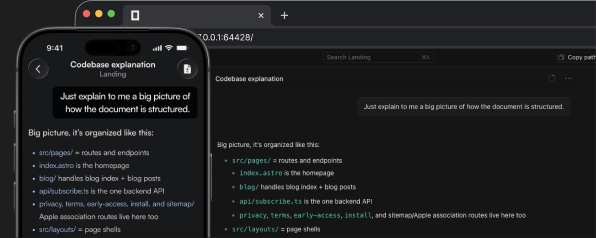
Seven harnesses. One app.

Connect OpenCode, Codex, Cursor, Claude Code, Pi, OMP, or Hermes without changing your desktop setup.

  • OpenCode
  • Codex
  • Cursor
  • Claude Code
  • Pi
  • OMP
  • Hermes

One familiar workflow on your phone.

Speak instead of typing

Send instructions and answer prompts by voice when a keyboard is out of reach.

Encrypted session traffic

Ordinary session payloads are end-to-end encrypted between your phone and Bridge. The relay carries ciphertext, not the code, prompts, or responses inside them.
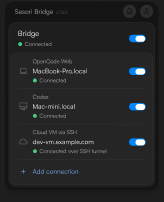
What the relay handles

The relay handles account identity, routing, and setup keys.

Some features use readable data.
Security details →

Switch harnesses,
not apps.

Move between OpenCode, Codex, Cursor, Claude Code, Pi, OMP, and Hermes without changing your mobile workflow. More integrations will follow.

Harnesses Harness settings

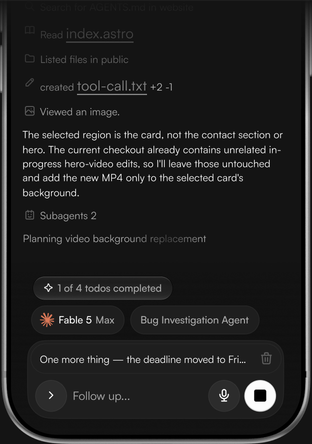
Get notified when your agent needs input or finishes a task.

Review changes before you ship.

See changed files and inspect the diff from your phone. Commit and push from your normal development workflow after the work is ready.

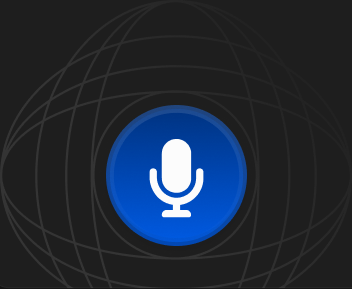
Recording voice prompt.

Say it. Skip the typing.

Speak prompts and replies without typing.

Voice is transcribed through Sesori’s hosted service. Privacy details.
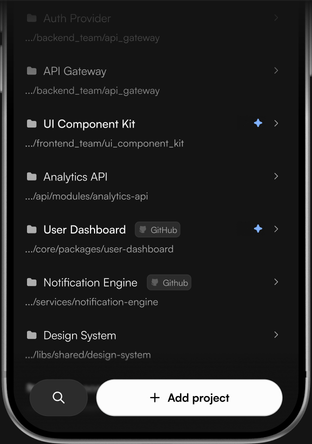
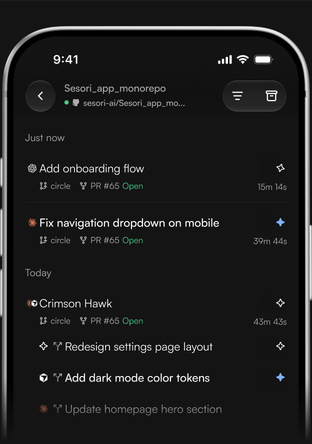
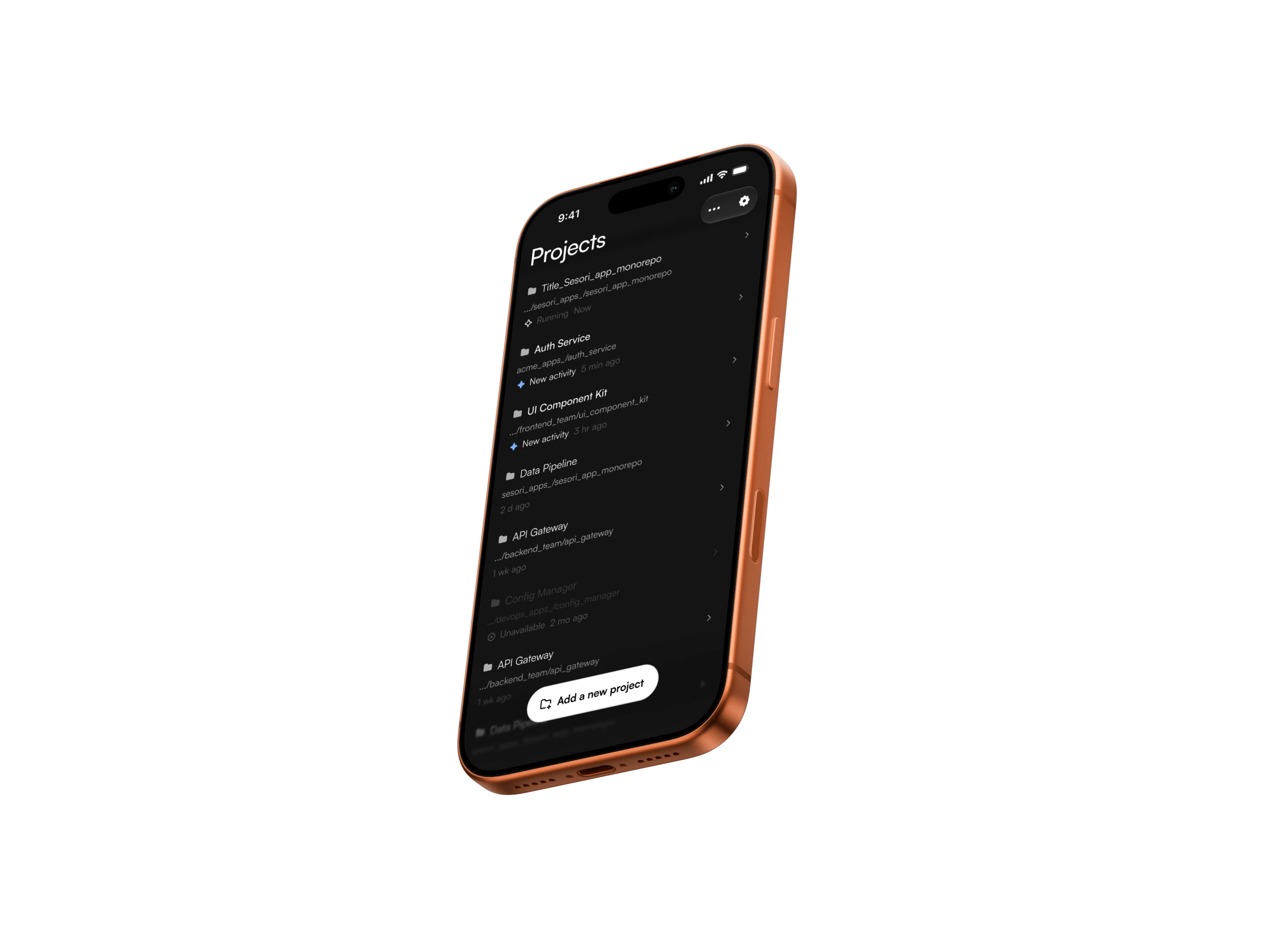
Sesori project browser on iPhone

Your laptop's projects,
in your pocket

One app for the harnesses you already use.

The Bridge brings projects, sessions, and live progress to your phone—all in one app.

  • OpenCodeAvailable
  • CodexAvailable
  • CursorAvailable
  • Claude CodeAvailable
  • PiAvailable
  • OMPAvailable
  • HermesAvailable

Your phone connects. Your environment stays put.

Sesori links your phone through the relay to the Bridge on your computer. The Bridge connects locally to your coding assistant, beside your existing repository and toolchain.

See the trust model →

Questions, answered.

The essentials for getting Sesori running and keeping your sessions private.

Explore the docs
Sesori is a mobile control surface for OpenCode, Codex, Cursor, Claude Code, Pi, OMP, and Hermes sessions running on your computer. Review progress, send prompts, use voice, and keep work moving from your phone. It is not a mobile IDE or cloud workspace — your code and development environment stay on your machine.
OpenCode, Codex, Cursor, Claude Code, Pi, OMP, and Hermes are supported today. The mobile app is available on iOS and Android, and the Bridge runs on macOS, Linux, and Windows. More integrations can follow through the Bridge’s plugin architecture.
Download the mobile app, install the Bridge on the computer where your OpenCode, Codex, Cursor, Claude Code, Pi, OMP, or Hermes sessions run, then sign in to both with the same account. They pair automatically, even across different networks. Follow the three-step setup above or open the docs for the full walkthrough.
The Bridge connects your phone to OpenCode, Codex, Cursor, Claude Code, Pi, OMP, and Hermes sessions running on your computer. It handles pairing, the encrypted relay connection, notifications, and compatibility with integration updates. You only need to run it when you want to access a session from your phone.
Ordinary session payloads between your phone and Bridge are end-to-end encrypted. The relay still handles account and routing metadata, and it delivers device public keys during setup, so it remains part of the trust model. Voice, notifications, short-text features, support, and diagnostics have separate data paths.
Sesori does not currently offer in-app account deletion. Email [email protected] or [email protected] from the address linked to your account and include your sign-in method. To disconnect this computer immediately, stop the Bridge and run sesori-bridge logout.
Yes. Sesori is free to use. The Bridge source is available on GitHub under the FSL-1.1-ALv2 license.

Everything on your phone.
Your code stays on your computer.

All your AI harnesses in one app. Add the Bridge. Keep the next prompt within reach.
Coming soon