Secure by design
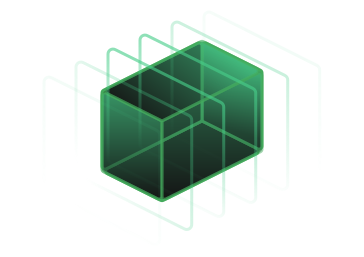
Sesori connects your phone to a local Bridge and coding session through an encrypted relay. It does not copy your repository into a Sesori-hosted development workspace.
Where your session data goes
Your phone
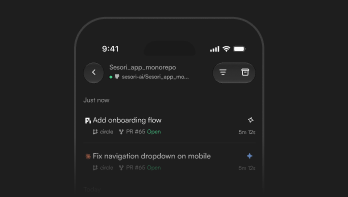
The Sesori app is one endpoint of the connection. From your phone, you can steer, review, and continue an existing coding session.
Your computer and local Bridge
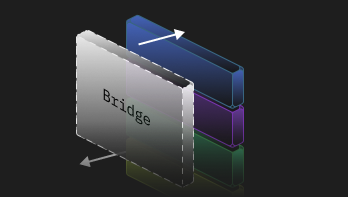
The Bridge runs beside your repository, toolchain, and coding harness. It is a trusted local endpoint, so it handles readable session data on your computer.
Your AI coding session
OpenCode, Codex, GitHub Copilot, Cursor, Claude Code, Pi, OMP, Hermes, DeepSeek, or Grok Build continues to run in your existing development environment. Sesori does not provide a hosted development workspace.

What relay encryption covers
Session payloads are end-to-end encrypted between your phone and the local Bridge. The relay normally forwards opaque traffic—not readable code, prompts, or AI responses.

What relay encryption does not cover
During setup, the relay delivers public keys between your phone and Bridge. Because Sesori does not independently verify those keys through a separate channel, a compromised relay could try to impersonate an endpoint.
Your coding assistant and model provider have separate data paths and terms. Voice transcription, push notifications, short-text features, support, and diagnostics may also process limited readable data.

Security and privacy documentation
Review implementation details and feature-specific data paths.